01.macOS
Swift, WebKit
Every link in
its own window
Set ClickWarden as your default browser and every link from mail or chat opens in a separate, disposable session.
[ Safe clicking on macOS, Windows & Android ]
ClickWarden opens suspicious links in a separate disposable session, blocks dangerous browser actions and hunts for phishing along the way.
How it works[ Checked against public phishing lists ]
[ Why this exists ]
One wrong click in your regular browser touches everything open there. ClickWarden adds a step in between: every link opens separately, without your cookies and logins, and disappears as soon as you close the window.
Follow a click[ From click to verdict ]
You always see what happens and why. No black box.
← Drag or scroll →
[ One core — three apps and an extension ]
Everything ClickWarden decides lives in one Rust core. The apps only show what that core returns.
Swift, WebKit
Set ClickWarden as your default browser and every link from mail or chat opens in a separate, disposable session.
Chromium · Safari in testing
Keep your own browser. Clicks to another website are routed to ClickWarden from right inside it.
C#, WebView2
Each link gets its own throwaway profile folder, cleared as soon as you close the window.
Kotlin, GeckoView
Choose ‘Open with ClickWarden’ in the share menu and the link opens in an isolated session.
[ Four layers, on by default ]
Every link gets its own temporary browser environment, without the cookies and logins of your regular browser. When you close it, the website data is wiped.
[ Examples ]
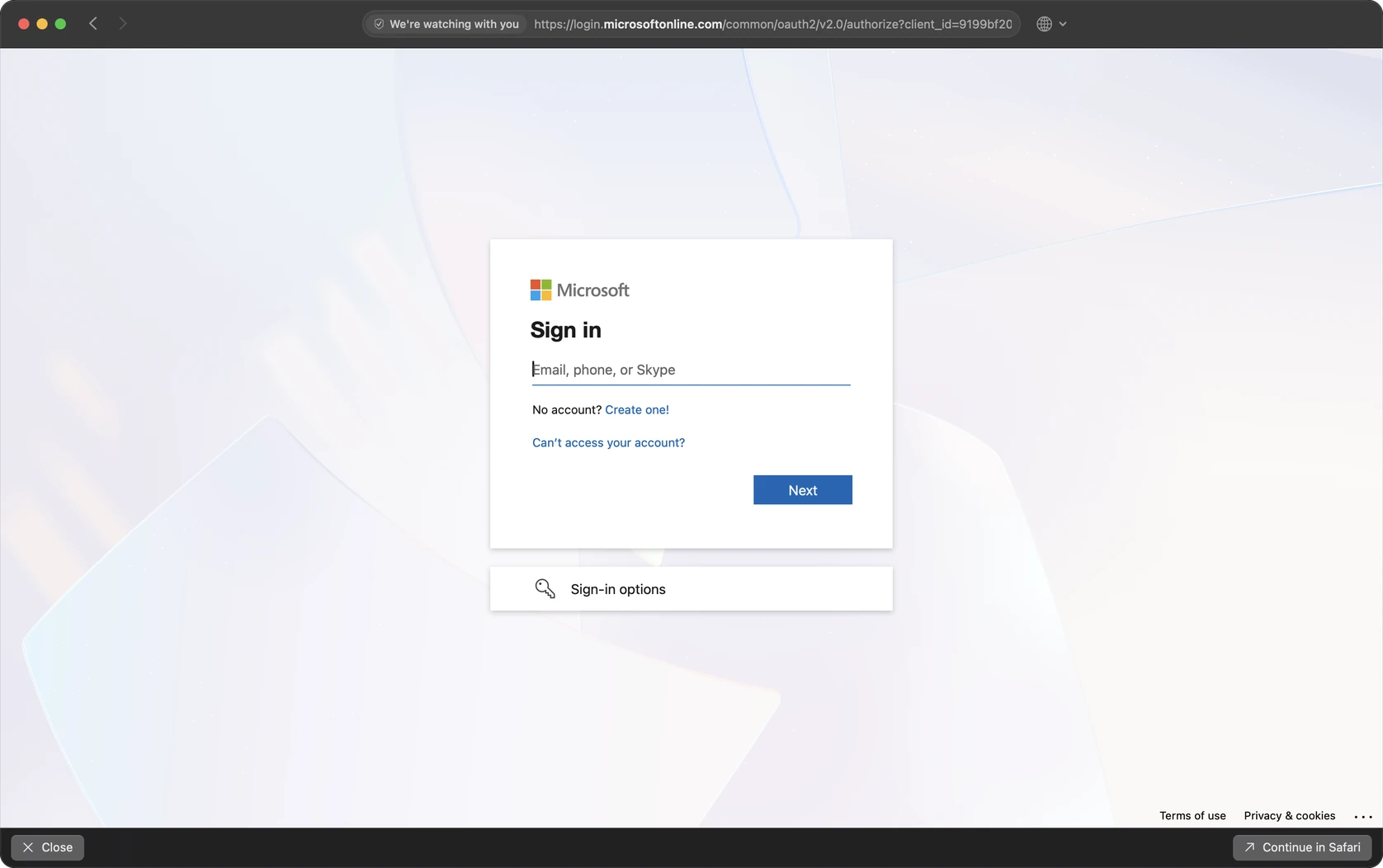
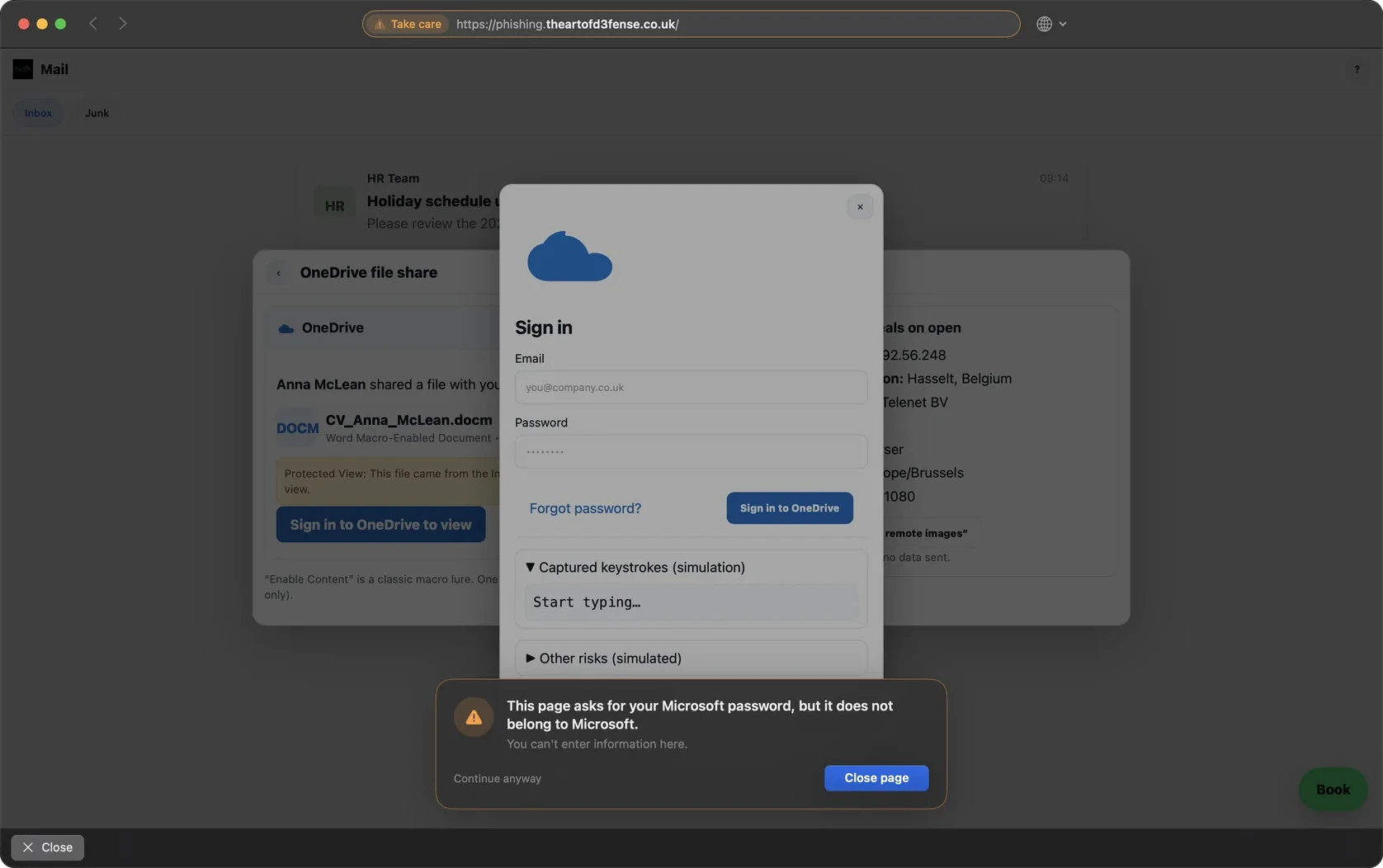
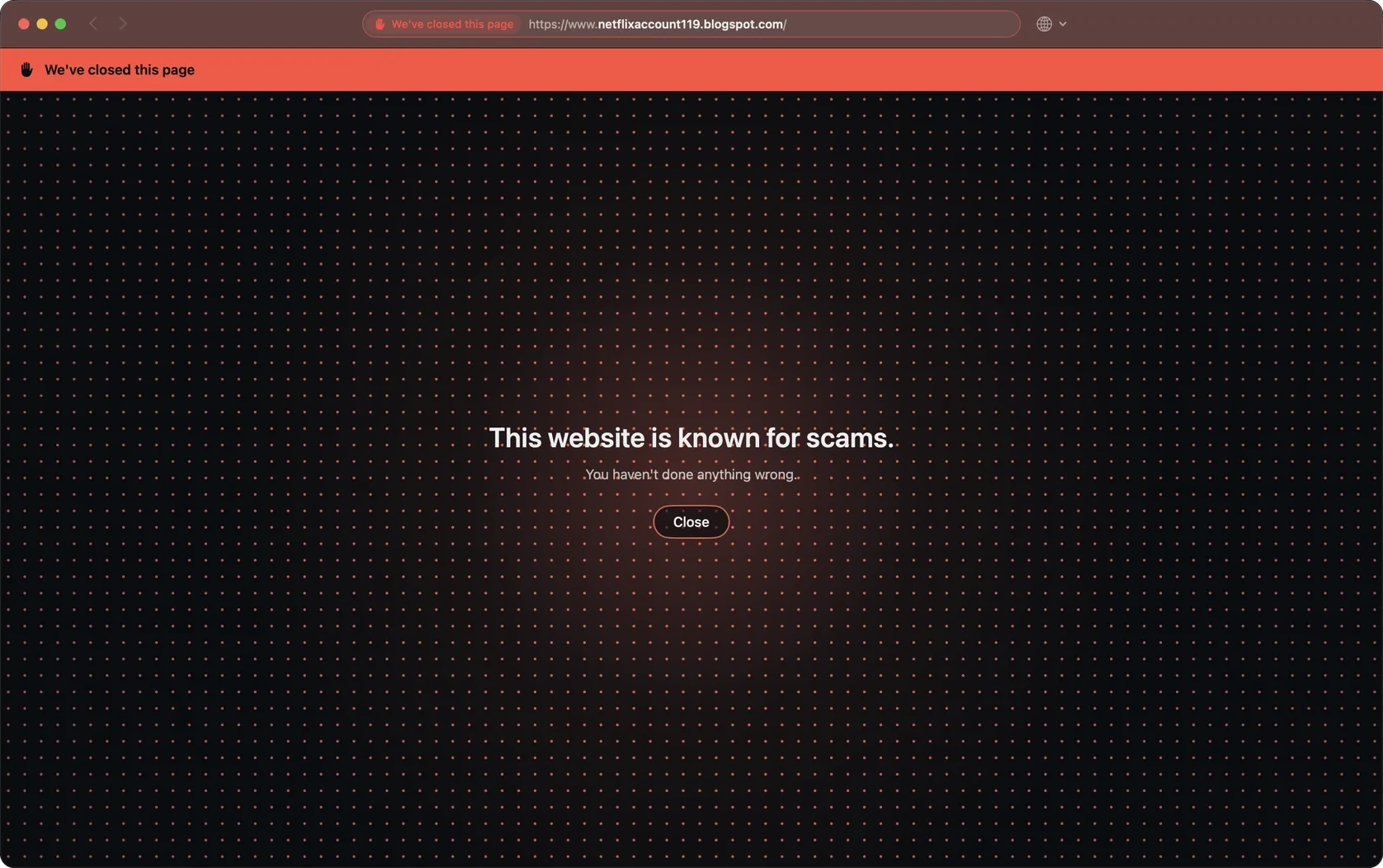
Green — the real Microsoft, no signals found
“Your colleague shared ‘Q3 planning’ with you. Sign in to Microsoft 365 to open it.”
Email from a colleague
Continue in your own browser
Looks safe? Then just carry on. One click opens the page in the browser you already have open, with your own logins and bookmarks.
* Invented example messages, not real ones.
[ Browser actions ]
As on macOS. On Windows the handling may differ.
[ FAQ ]
Everything you want to know before you click. Not seeing your question? Send us a message.
Ask a questionNo. ClickWarden does not scan files for viruses. It opens links separately, blocks downloads and looks for phishing signals. Use it alongside your existing security.
The assessment happens locally; no external service looks along. The website itself is genuinely visited and therefore sees your IP address, the link and whatever you enter yourself.
macOS comes first; the Windows and Android apps are still in development. The browser extension works in Chromium browsers, and Safari support is being tested. On Android, you choose ‘Open with ClickWarden’ in the share menu.
Yes. Detection helps but is never complete. The strongest protection lies in the separation from your regular browser and in the actions a page is not allowed to perform.
You don’t have to. As the default browser, ClickWarden catches links from your email and other apps. With the extension, clicks to other websites are routed to it from within your browser.
Then you simply carry on. One click on ‘Continue in’ opens the page in the browser you already have open, such as Safari, Chrome or Edge, with your own logins and bookmarks. The separate ClickWarden window closes and everything in it is wiped.
Not yet: the macOS app is in testing, and the Windows and Android apps are still in development. Join the waitlist and you get one email as soon as it is ready for your device.
[ Join the waitlist ]
ClickWarden isn’t available yet. Leave your email and you get one message as soon as it is ready for your device.